-
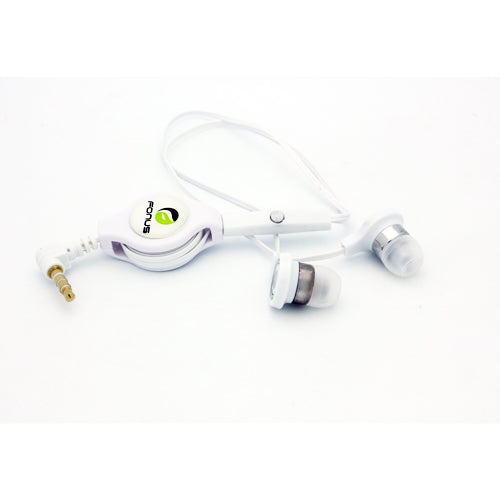
Retractable Earphones, Headset 3.5mm w Mic Earbuds Hands-free Headphones - TNKD51
Vendor:TeknoletRegular price $18.99 USDSale price $18.99 USD -
AE-S Headphones, Handsfree Earbuds Earphones w Mic High-Performance Harman Kardon - TNKK18
Vendor:TeknoletRegular price $30.99 USDSale price $30.99 USD -
Mono Headset, Hands-free Single Headphone 3.5mm Wired Earbud Earphone w Mic - TNKF70
Vendor:TeknoletRegular price $14.99 USDSale price $14.99 USD -
Retractable Earphones, 3.5mm Headset Handsfree Mic Headphones Wired - TNKD57
Vendor:TeknoletRegular price $11.99 USDSale price $11.99 USD -
Retractable Earphones, Earbuds Handsfree Headset Hands-free Headphones - TNKB72
Vendor:TeknoletRegular price $12.99 USDSale price $12.99 USD -
Retractable Mono Earphone, Earbud Handsfree Headset 3.5mm w Mic Headphone - TNKJ80
Vendor:TeknoletRegular price $12.99 USDSale price $12.99 USD -
Wired Mono Headset, Hands-free Single Earbud 3.5mm Headphone Earphone w Mic - TNKK57
Vendor:TeknoletRegular price $18.99 USDSale price $18.99 USD -
Wired Earphones, Earbuds Headset 3.5mm Handsfree Mic Headphones - TNKS01
Vendor:TeknoletRegular price $9.99 USDSale price $9.99 USD -
Wired Earphones, Earbuds Headset 3.5mm Handsfree Mic Headphones - TNKJ06
Vendor:TeknoletRegular price $9.99 USDSale price $9.99 USD -
Wired Earphones, Earbuds Headset 3.5mm Handsfree Mic Headphones - TNKG82
Vendor:TeknoletRegular price $11.99 USDSale price $11.99 USD -
Wired Earphones, Earbuds Headset 3.5mm Handsfree Mic Headphones - TNKJ46
Vendor:TeknoletRegular price $12.99 USDSale price $12.99 USD -
Retractable Mono Earphone, Earbud Handsfree Headset 3.5mm w Mic Headphone - TNKJ79
Vendor:TeknoletRegular price $12.99 USDSale price $12.99 USD -
Retractable Earphones, Earbuds 3.5mm w Mic Headset Hands-free Headphones - TNKS38
Vendor:TeknoletRegular price $14.99 USDSale price $14.99 USD -
Mono Headset, Hands-free Single Headphone 3.5mm Wired Earbud Earphone w Mic - TNKF47
Vendor:TeknoletRegular price $14.99 USDSale price $14.99 USD -
Wired Earphones, Earbuds Headset 3.5mm Handsfree Mic Headphones - TNKA48
Vendor:TeknoletRegular price $11.99 USDSale price $11.99 USD -
Mono Headset, Flat Headphone 3.5mm Single Earbud Wired Earphone - TNKJ88
Vendor:TeknoletRegular price $11.99 USDSale price $11.99 USD -
Wired Earphones, Metal Earbuds Headset Handsfree Mic Headphones Hi-Fi Sound - TNKG70
Vendor:TeknoletRegular price $17.99 USDSale price $17.99 USD -
Retractable Earphones, Earbuds 3.5mm w Mic Headset Hands-free Headphones - TNKB92
Vendor:TeknoletRegular price $10.99 USDSale price $10.99 USD -
Wired Mono Headphone, Hands-free Single Earbud 3.5mm Headset Earphone w Mic - TNKM03
Vendor:TeknoletRegular price $26.99 USDSale price $26.99 USD -
Retractable Mono Earphone, Earbud Handsfree Headset 3.5mm w Mic Headphone - TNKM83
Vendor:TeknoletRegular price $11.99 USDSale price $11.99 USD -
Wired Earphones, Earbuds w Mic Headset Headphones Hands-free - TNKS27
Vendor:TeknoletRegular price $14.99 USDSale price $14.99 USD -
Retractable Earphones, Earbuds 3.5mm w Mic Headset Hands-free Headphones - TNKB80
Vendor:TeknoletRegular price $10.99 USDSale price $10.99 USD -
Retractable Earphones, Earbuds Handsfree Headset Hands-free Headphones - TNKB56
Vendor:TeknoletRegular price $12.99 USDSale price $12.99 USD -
Wired Earphones, Metal Earbuds Headset Handsfree Mic Headphones Hi-Fi Sound - TNKG94
Vendor:TeknoletRegular price $15.99 USDSale price $15.99 USD

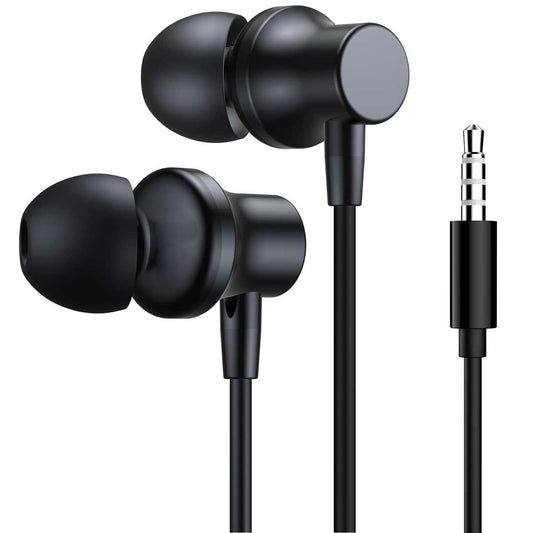

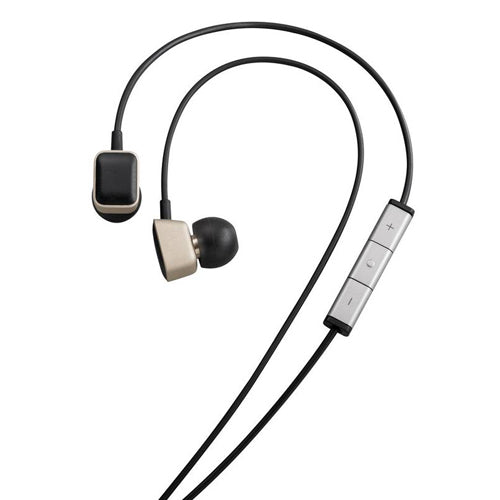

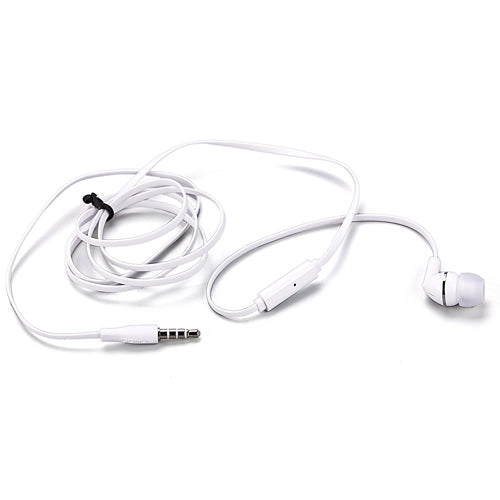

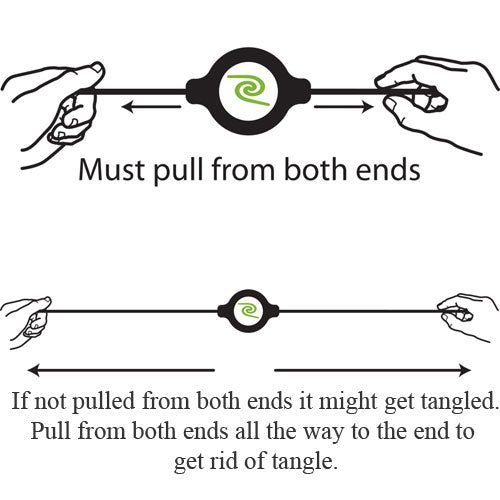





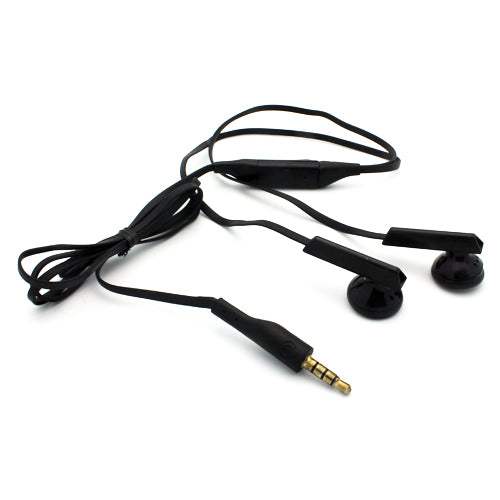


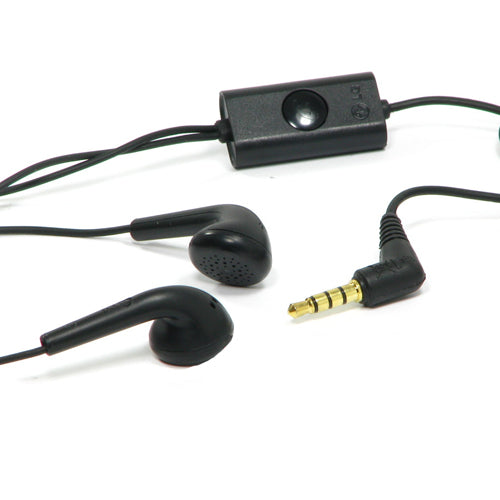



About Wired Earphones for BLU G91 Max Accessories
Wired earphones for the BLU G91 Max Accessories. This device does not have a 3.5mm headphone jack — you can use USB-C earphones directly, or a USB-C-to-3.5mm adapter with any standard pair. All earphones on this page include an in-line microphone and remote for calls and playback.
What to Look for in Wired Earphones for the BLU G91 Max Accessories
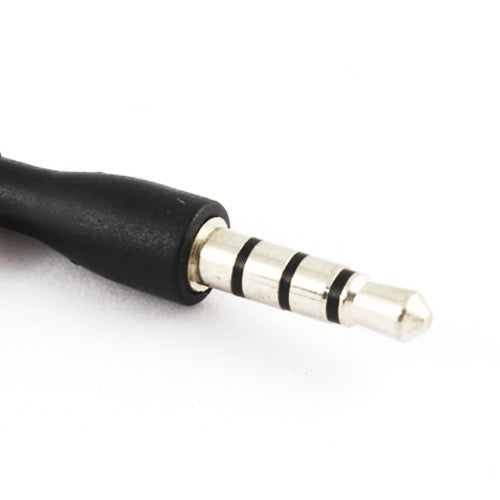
Connector. The BLU G91 Max Accessories does not have a 3.5mm port. USB-C earphones plug in directly. A USB-C-to-3.5mm adapter lets you use existing 3.5mm earphones.
Driver size and tuning. Larger drivers (10mm+) generally produce more low-end. Balanced tuning suits most music; bass-heavy suits hip-hop and EDM; reference-style suits podcasts and acoustic.
Fit. In-ear (sealed) earphones isolate better. Earbud (unsealed) types are more comfortable for long sessions and let in ambient sound.
Cable build. Reinforced strain relief at the plug and at each ear bud prevents the most common failure point. Cloth-braided cables last longer than plain rubber.
Frequently Asked Questions
- No, the BLU G91 Max Accessories does not include a 3.5mm headphone jack. Use USB-C earphones or a USB-C-to-3.5mm adapter.
- Not directly through the single USB-C port. Use a dual-purpose adapter that has both an audio jack and a USB-C pass-through for charging.
- Yes — most modern wired earphones use standard CTIA pinout, which the BLU G91 Max Accessories supports. Look for earphones explicitly listed as compatible with the ecosystem.
- For most listeners at most price points, yes — slightly. Wired transmits uncompressed audio. Wireless uses codecs (SBC, AAC, aptX) that compress the signal.
- Remove the silicone ear-tips and wash with mild soap and water. Wipe the driver mesh gently with a dry soft-bristle brush. Never submerge the driver housings or the cable connector.